 Narrator: Audiobook Maker
Make an audiobook from any book you own
Import an ePub, Kindle, PDF or Word file and Narrator reads it aloud on your iPhone, offline, with no account. The free plan covers about a chapter a day; Plus removes the limit.
 Free plan, no account · 25,000 characters a day · iOS 26+
Scan to open on your iPhone
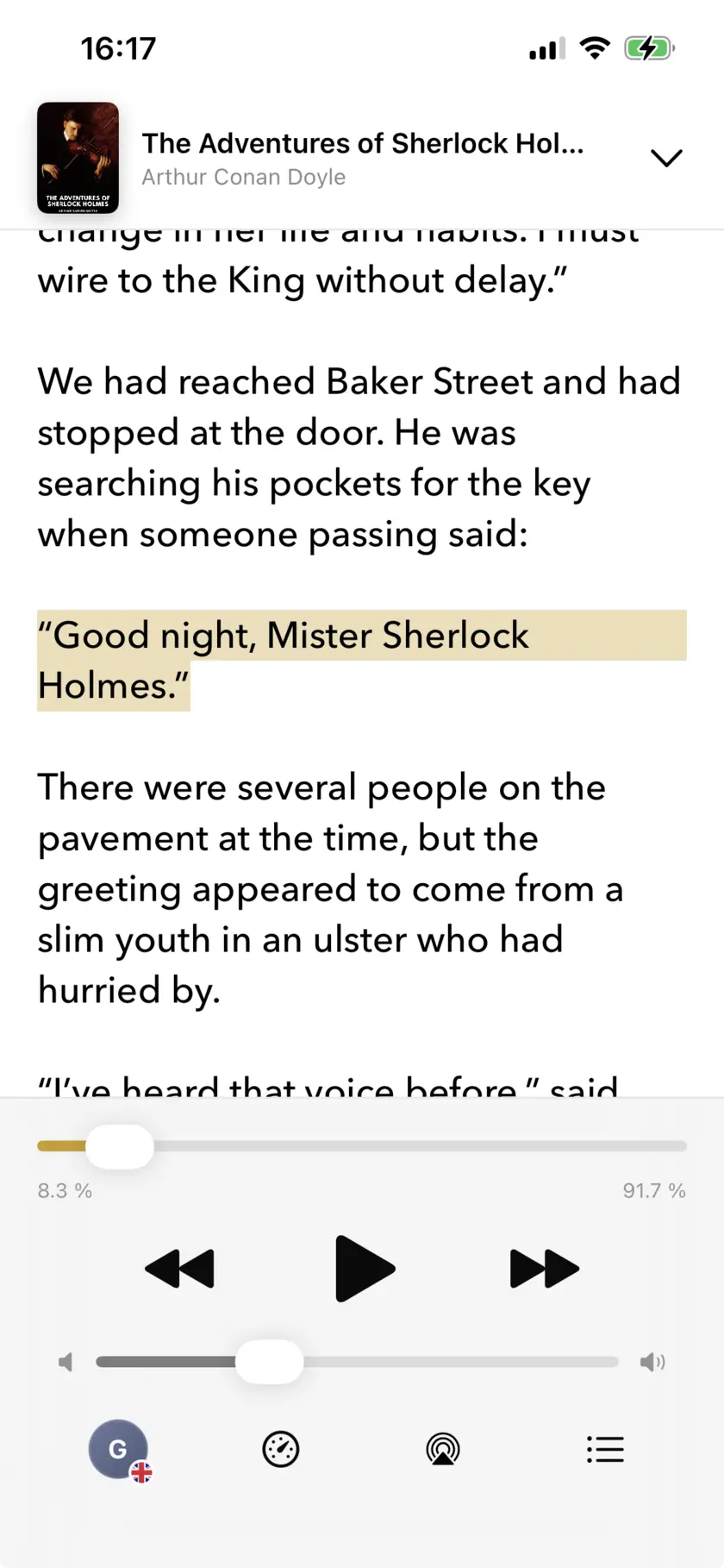
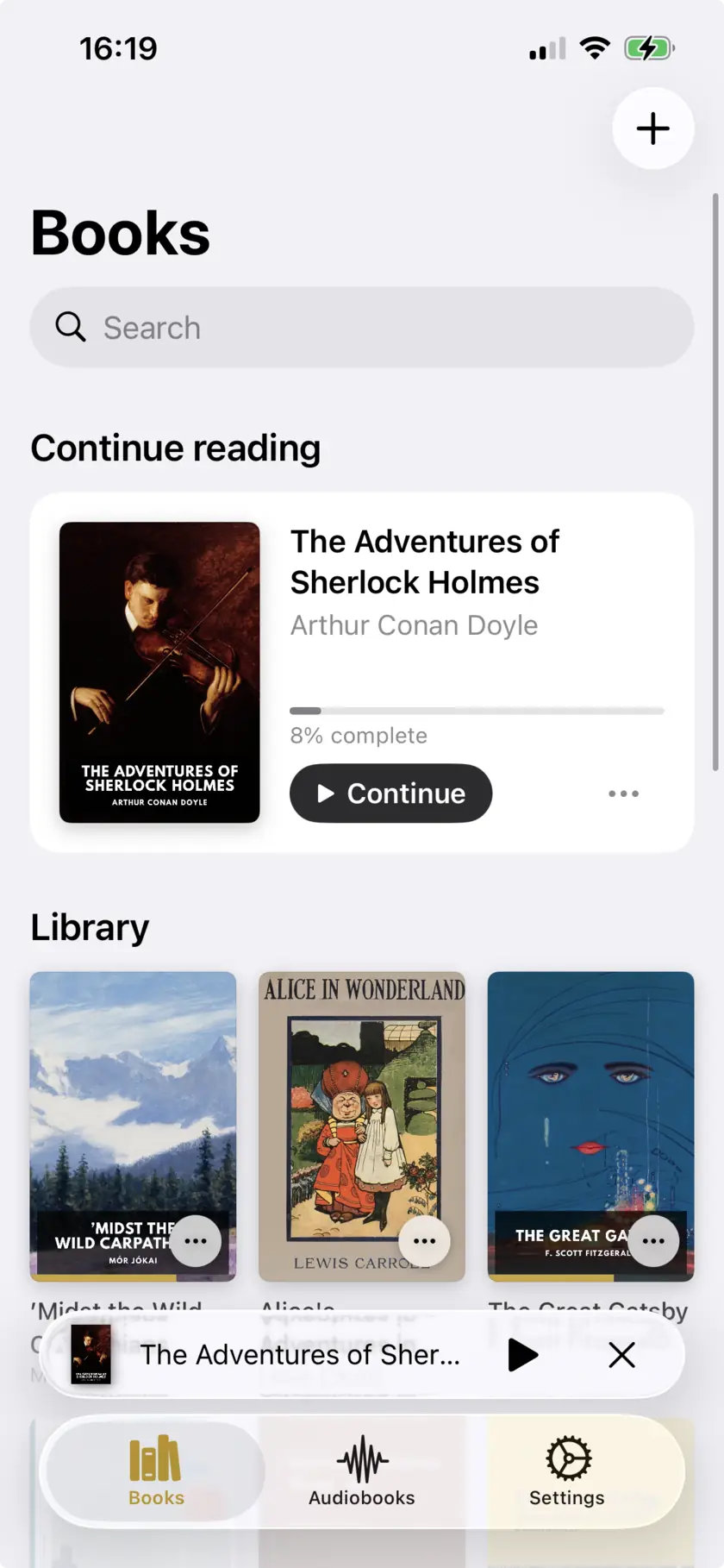
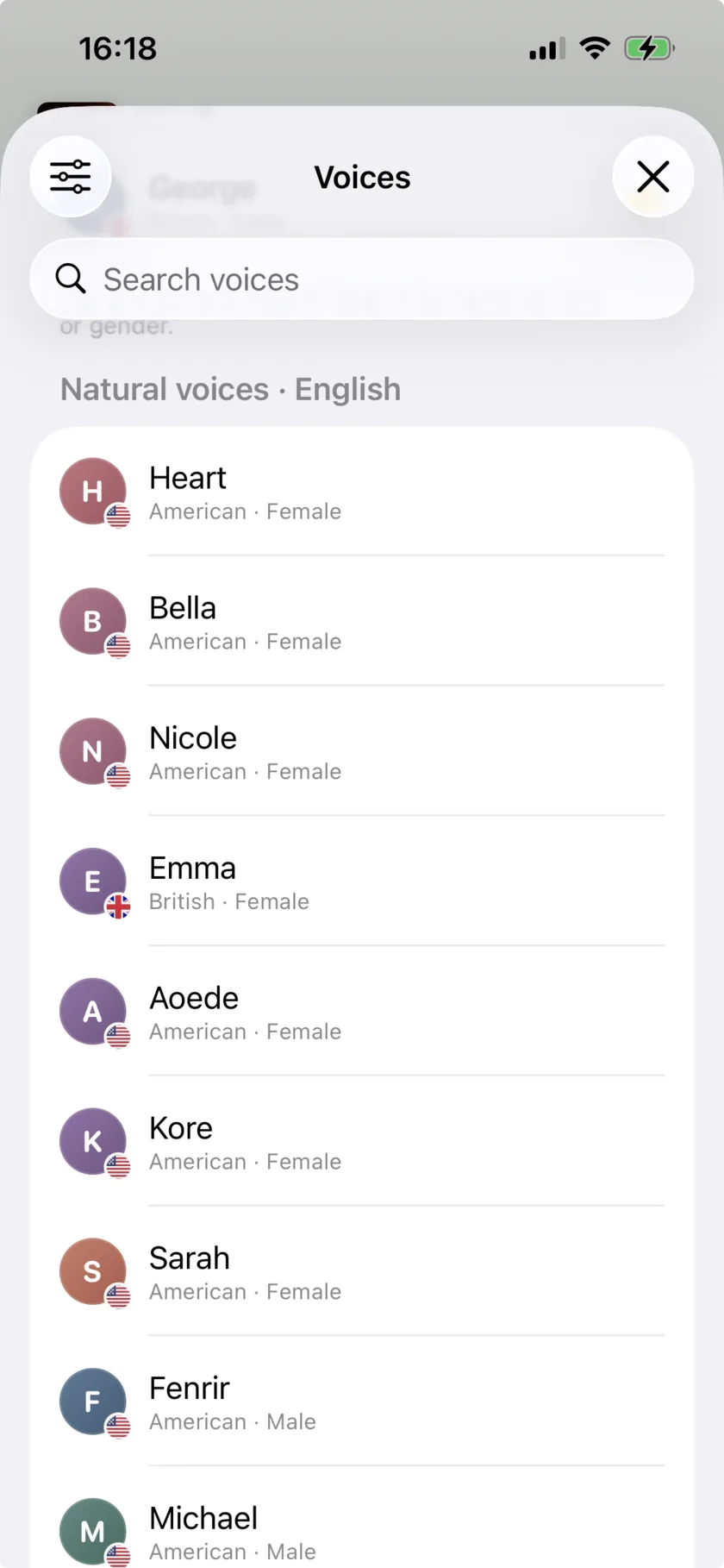
Swipe to explore the app →
How to make an audiobook in three steps
From a file on your iPhone to a voice reading it aloud.
Add Your Content
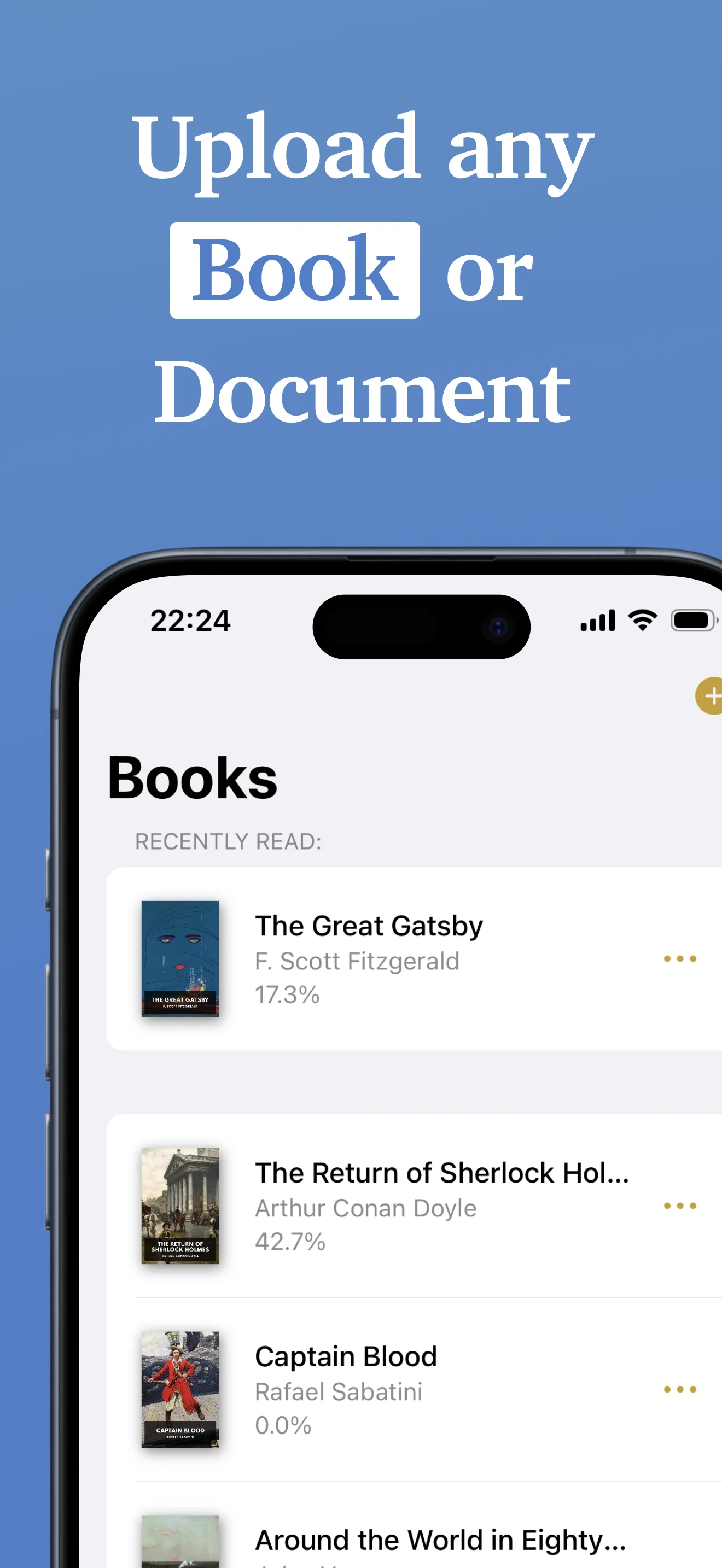
Import from your device or cloud storage — ePub, MOBI, AZW3, PDF, DOCX, TXT or RTF.
Choose a Voice
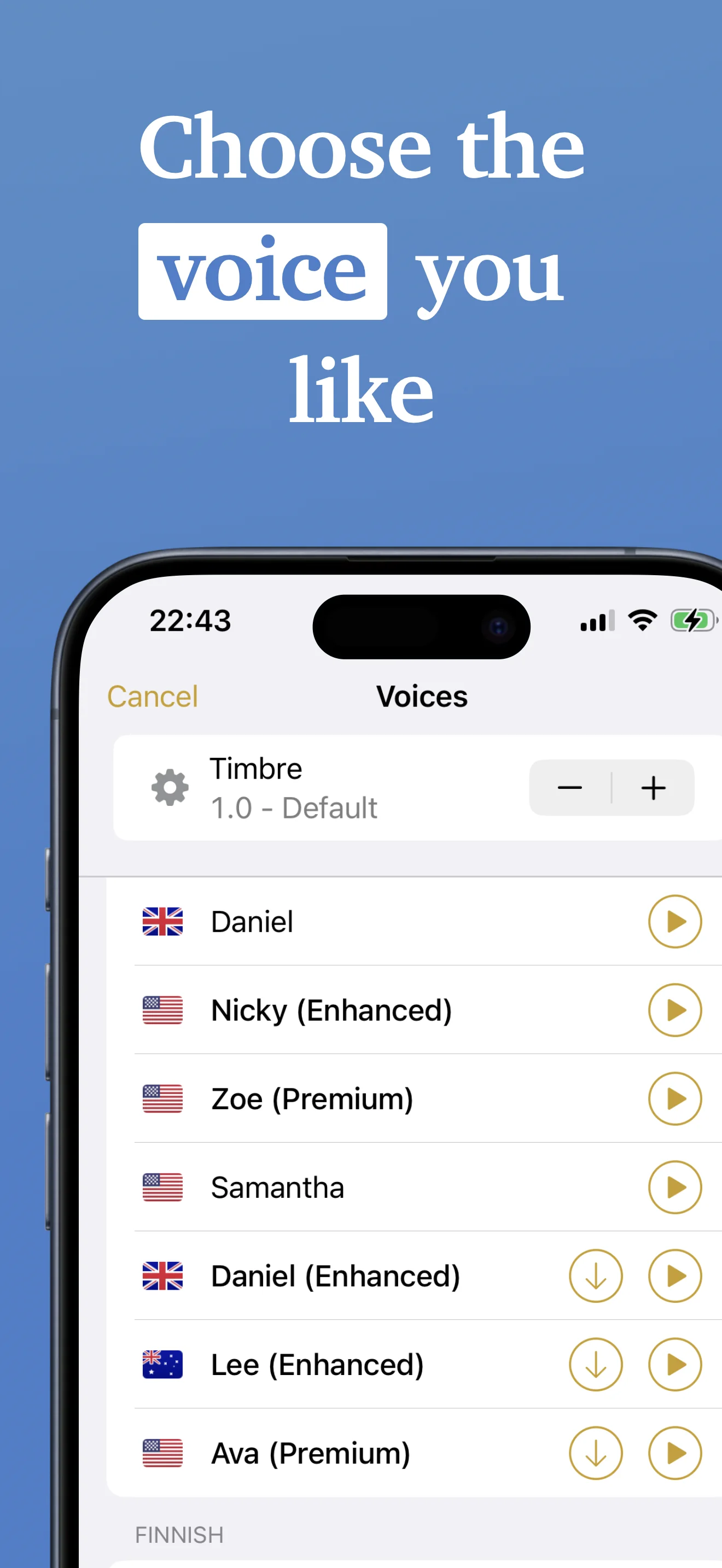
Natural AI voices in English, French, Spanish, Italian and Portuguese, plus 25+ languages using the built-in iOS voices.
Listen or Export
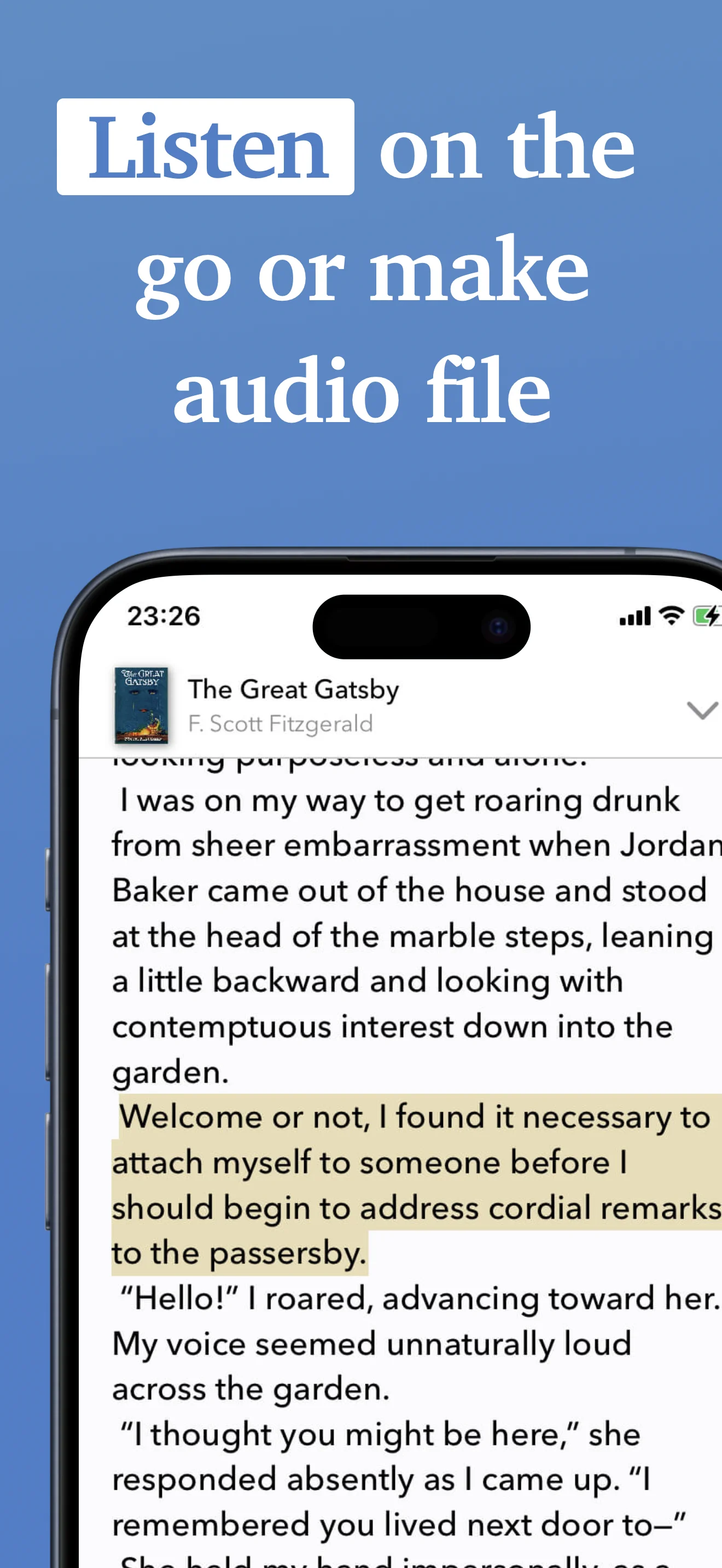
Play instantly or convert to .m4a audiobook files you can share.
What the audiobook maker does
Everything between a file on your iPhone and an audiobook in your ears.
Natural Voices
Lifelike voices powered by modern speech synthesis that make listening a pleasure.
5 AI Languages, 25+ Total
Natural AI voices in English, French, Spanish, Italian and Portuguese. Another 25+ languages use the built-in iOS voices.
Any Format
Import ePub, MOBI, AZW and AZW3 ebooks, plus PDF, DOCX, RTF and TXT documents.
Adjustable Speed
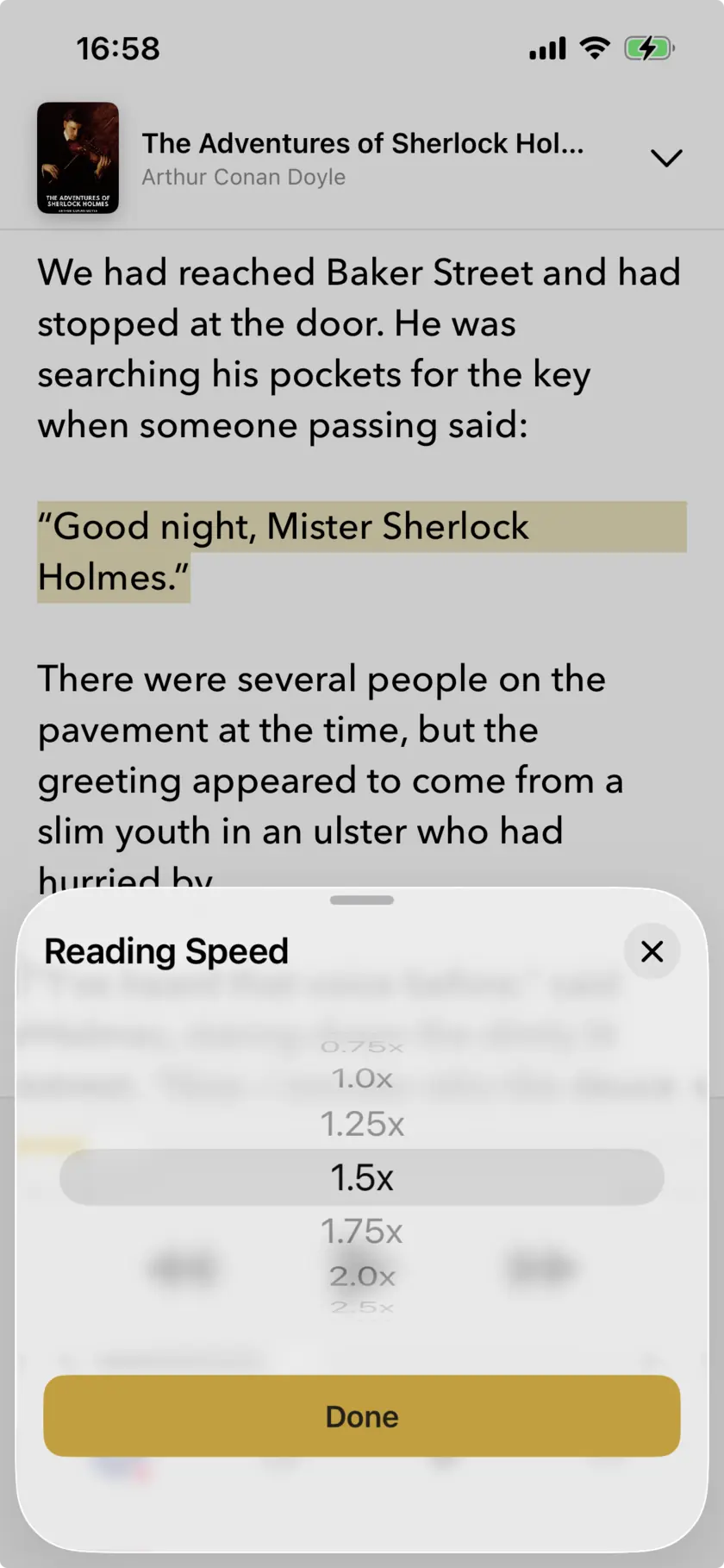
Set your perfect pace from 0.5x to 3x.
Create Audiobooks
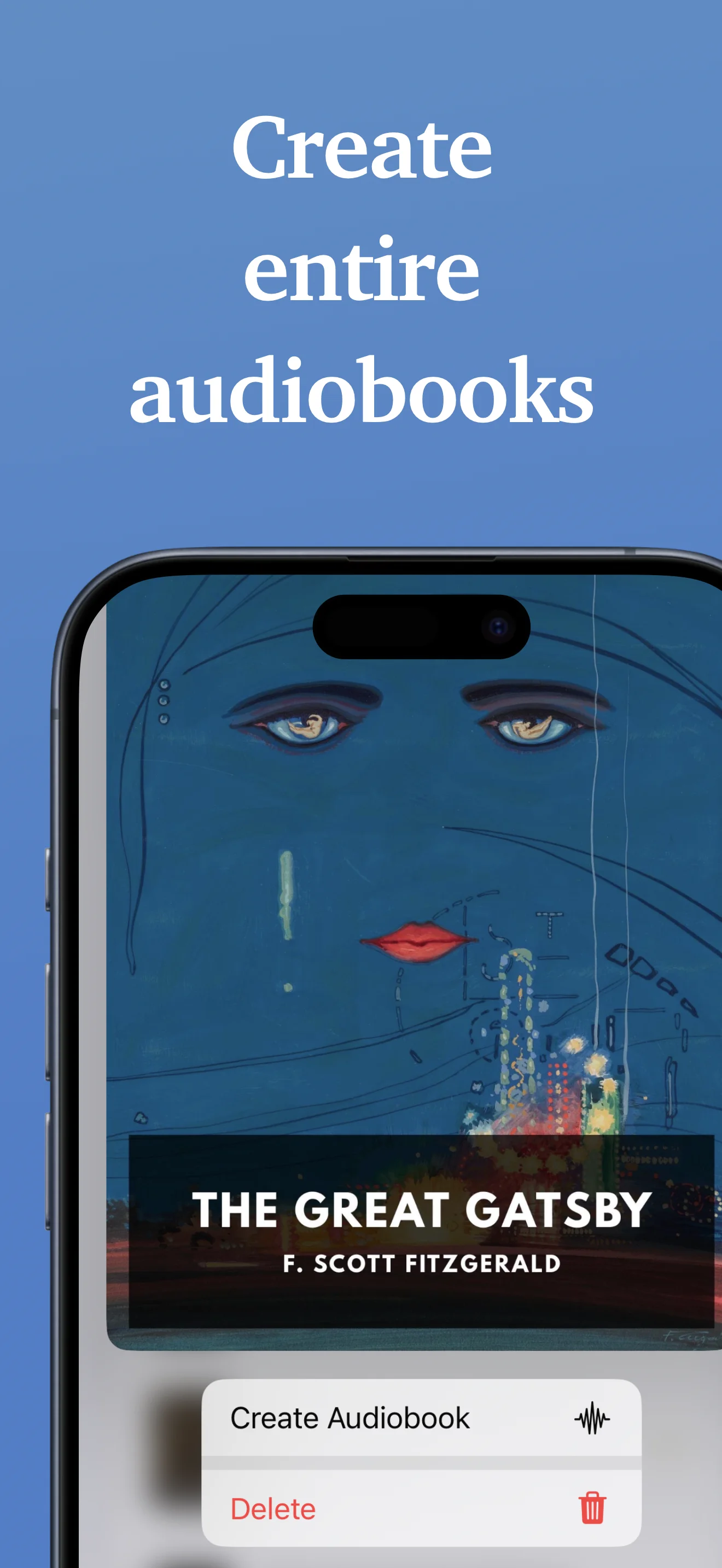
Export any document as a .m4a audiobook file with a single tap.
Save & Share
Share audiobooks with friends, family, and colleagues.
Designed for simplicity
A clean, intuitive interface that gets out of your way.
25+
Languages supported
4.7
Average rating
100K+
Downloads
4.7 from 600+ reviews worldwide
“The amount of times this app has saved me the last few years because I hate reading! I love that it has a less robotic voice than most other readers AND it's free and easy to use!! Highly recommend.”
yennako
“This app is free and just as good if not better than the expensive apps like speechify. My only complaint is that sometimes the app will only play if I leave the app open with my screen still on which I think is a glitch. Other than that it's amazing.”
Emmefaye
“I use it to listen to my epubs and the voices are all standard iPhone AI voices. They work just fine, offline and off app. I have two stories uploaded, both well over 400k words, and I've been a happy listener since.”
The 'Favorite Bug'
Start with what you have
An ebook, a Word document, or a fic you saved months ago — each one starts somewhere different.
Free audiobook maker
What the free plan covers, in numbers, and how to make your first audiobook.
Turn text into an audiobook
Start from a TXT, RTF or Word file rather than a book.
How to make an audiobook
A step-by-step guide, including what free tiers really cover.
Ebook to audiobook
Getting an ePub onto your iPhone, and what DRM stops you doing.
AI audiobook narration
How the voices sound, which languages have AI narration, and speed control.
Listen to AO3 fanfiction
Download a fic as an ePub and listen to it — and what a long fic costs.
Frequently asked questions
What it costs, what it reads, and what it can’t do.
There's a free plan with no account and no trial expiry. It narrates 25,000 characters a day — roughly 4,000 words, about one chapter or half an hour of listening — and resets every day. There's also a 150,000 character lifetime pool for going over on a given day. Plus ($4.99/month or $29.99/year) removes the limits.
An average 90,000-word novel is about 22 days at 25,000 characters a day, listening a chapter at a time. A very long book — a 400,000-word one, say — is closer to 96 days. If you want to get through it in one go, Plus removes the cap for $4.99 a month.
Narrator supports ePub, MOBI, AZW and AZW3 ebooks, plus PDF, DOCX, RTF and TXT documents. You can import them from your device or from cloud storage through the Files app. Note that a supported format is not the same as a readable file: books bought from the Kindle store are DRM-protected, and no app can open those.
Yes, as long as the PDF has a real text layer. Import it like any other file and Narrator reads it aloud. A scanned PDF — a photographed or photocopied page saved as an image — has no text to read, so it will not work.
Natural AI voices cover English, French, Spanish, Italian and Portuguese. Another 25+ languages are available using the voices built into iOS.
Narrator requires iOS 26.0 or later. It runs on iPhone and iPad — there is no Mac or web version.
Yes. Narrator can export what it narrates as an .m4a audiobook file you can save to Files, move to another device or listen to in any audio player.
Playback speed runs from 0.5x – 3x. Speed does not change how much of your daily allowance you use — the cap is on the length of the text, not on how long you spend listening to it.
Once a book is imported and its voice is downloaded, you can listen offline. Some voices need a connection the first time they are used.
Start making audiobooks
Import a book you already own and Narrator reads it aloud. The free plan narrates 25,000 characters a day — roughly one chapter — and resets every day.
Free plan, no account · iOS 26+Scan to open on your iPhone