 Narrator: Audiobook Maker
Turn any text into an audiobook
Import a TXT, RTF or DOCX file and Narrator reads it aloud in a natural voice, offline, on your iPhone. The free plan narrates 25,000 characters a day — around 4,000 words. Export the result as an .m4a audiobook file when you want to keep it.

Free plan, no account · iOS 26+
From plain text to spoken audio
Not everything worth listening to arrives as a book. A manuscript you are editing, a set of lecture notes, a long article you saved, a pile of research you will never find time to read sitting down — all of it is just text, and text is the only input Narrator needs.
The workflow is the same regardless of where the words came from: get them into a file, import the file, press play. What changes is why you are doing it. People mostly land here for one of these:
- Listening to something long while walking, driving or doing something else with their hands.
- Proofreading their own writing — a draft read aloud exposes what re-reading it silently does not.
- Getting through course material or documentation without another hour of screen time.
- Resting their eyes, whether that is a preference or a necessity.
Step by step
Save your text as a file
Paste it into a document and save it as TXT, RTF or DOCX — from Notes, Pages, Word, Google Docs or anything that exports. Save it to the Files app so Narrator can reach it.
Import it
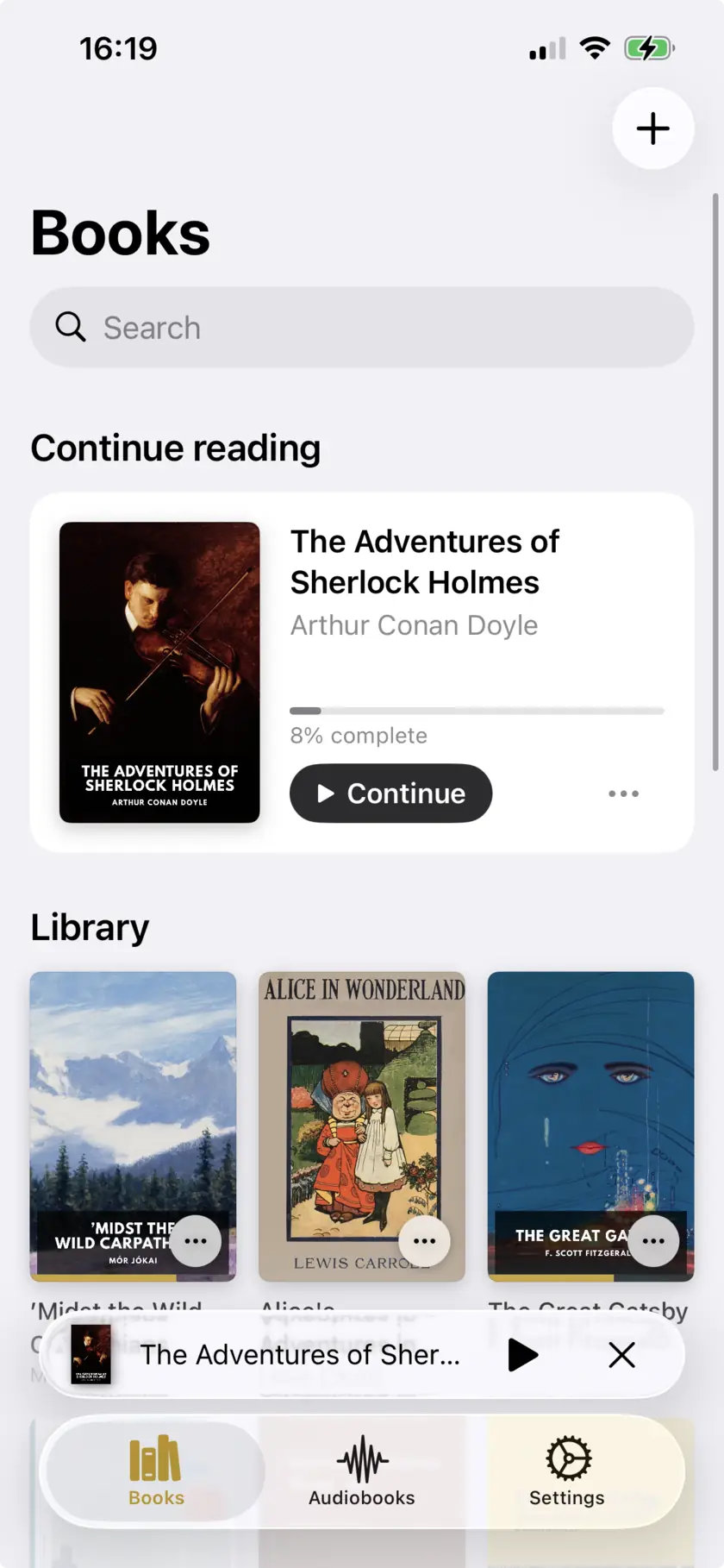
Open Narrator, add the file, and it appears in your library. Parsing happens on the phone, so a long document is ready in seconds and nothing is uploaded.
Choose a voice and speed
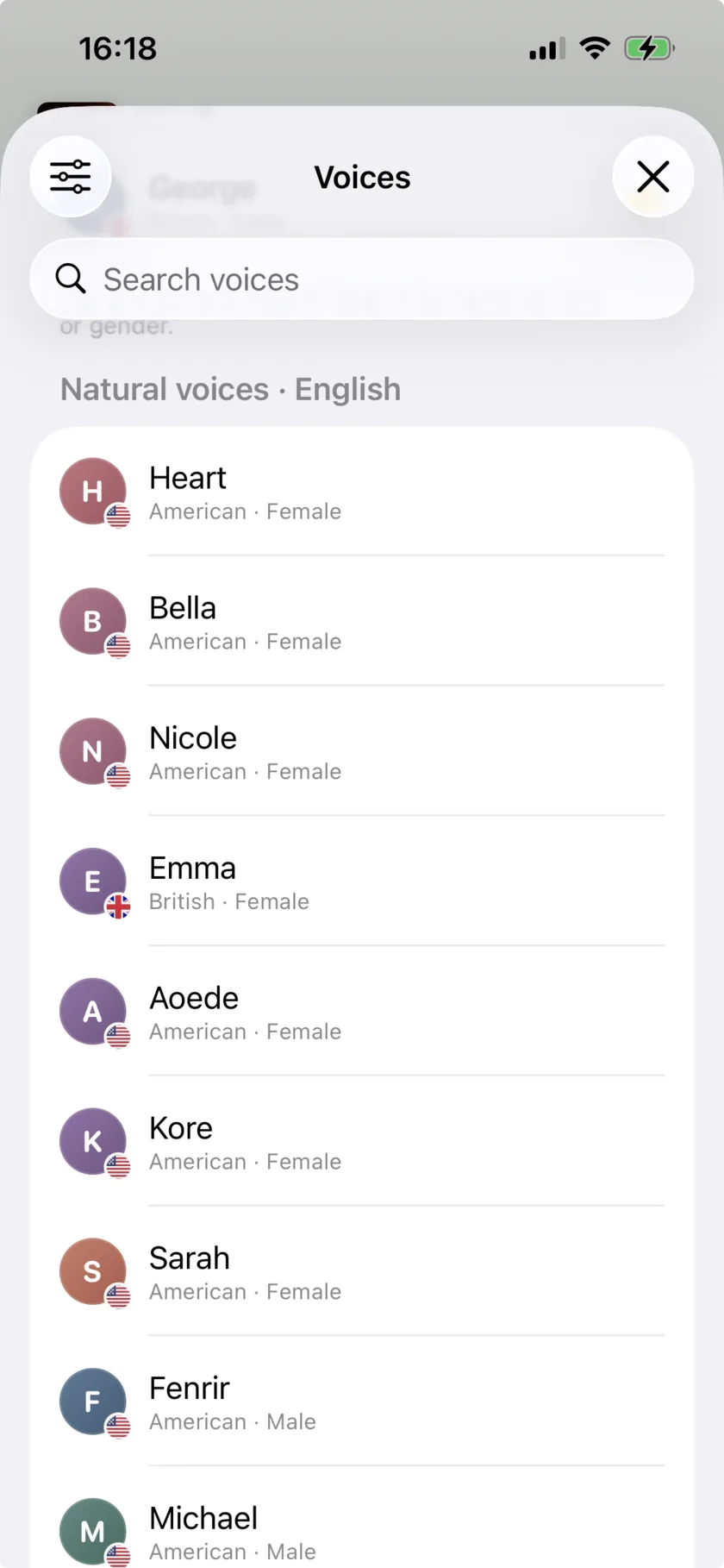
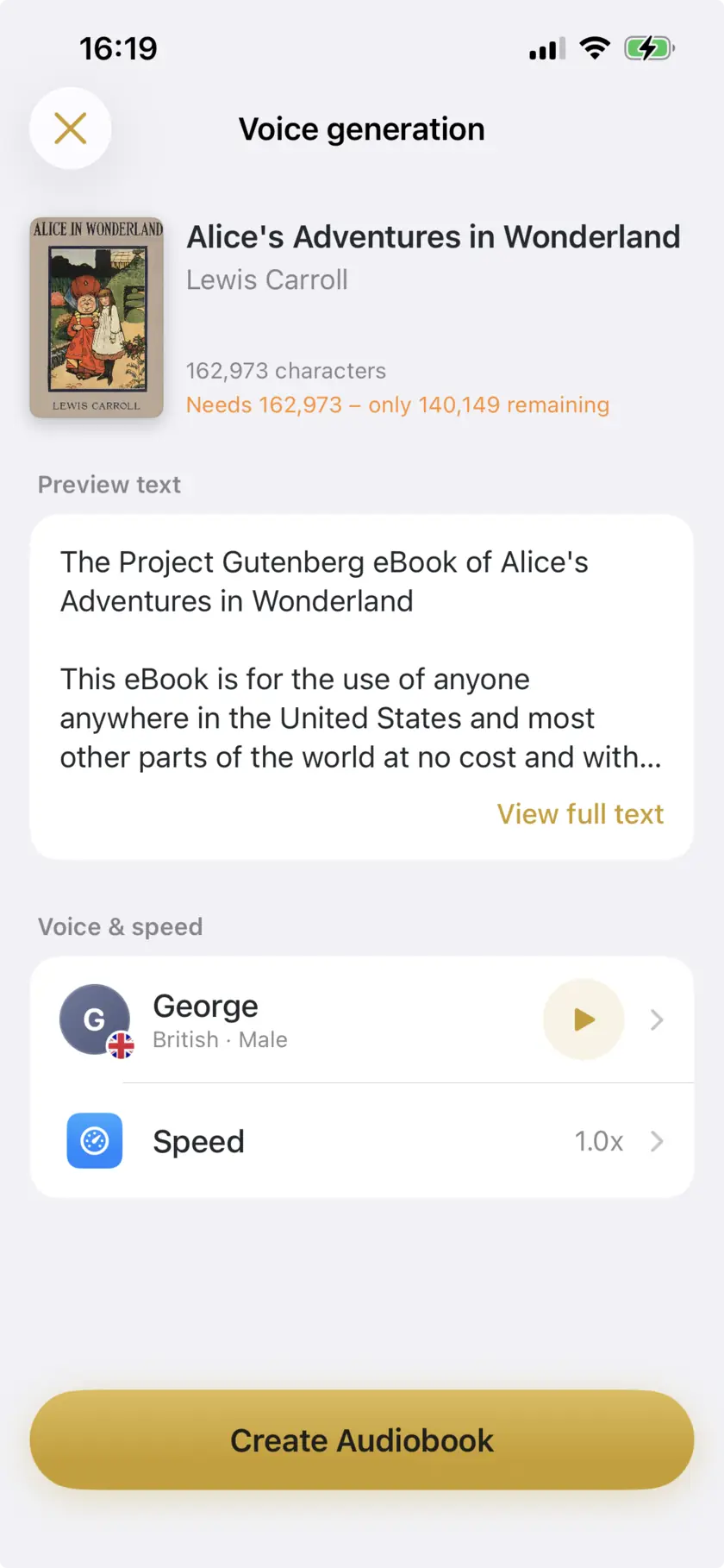
Pick a natural AI voice or an iOS system voice, then set the pace anywhere between 0.5x and 3x. It is worth listening to thirty seconds at your chosen speed before committing to a long piece.
Listen, or export an .m4a
Play it straight away with background and lock-screen playback, or export the narration as an .m4a audio file you can keep, move to another device or play anywhere.
What the free plan covers
The cap is on characters of narration, not on time or on the number of files. Stated plainly, before you install anything:
Free plan at a glance
No account, no trial expiry. The cap is on narration — that means listening, not just export.
| Every day | 25,000 characters — about 4,000 words, roughly one chapter, or 28 minutes of listening at 1x. Resets daily. |
|---|---|
| Lifetime pool | 150,000 characters — about 25,000 words, or 2.8 extra hours. Only drawn on after you pass the daily limit. |
| Plus | $4.99/month or $29.99/year. Removes the limits. |
For a long article or a chapter of a draft, 25,000 characters a day is usually enough and the limit never comes up. For a full-length manuscript it will, and Plus at $4.99 a month is the answer to that.
Choosing a voice and speed
Natural AI voices cover English, French, Spanish, Italian, Portuguese. Another 25+ languages use the voices built into iOS — usable, but noticeably more synthetic over a long session. If you are going to listen for an hour, spend twenty seconds picking the voice first.
Speed runs from 0.5x – 3x. Most people settle between 1.1x and 1.5x for prose and slow down for anything technical. Speed does not affect your daily allowance: the cap counts characters of text, not minutes of audio, so listening faster does not buy you more.
Saving it as a file
Narration can be exported as an .m4a audio file. That file behaves like any other audio: save it to Files, AirDrop it, put it in a podcast app, keep it after you delete the source document. It is also the way to hand a recording to someone else without asking them to install anything.
Limits
What it doesn’t do
- 25,000 characters of narration a day on the free plan, plus a 150,000 character lifetime pool.
- Files only — there is no paste-a-block-of-text box.
- Pronunciation of unusual names, invented words and abbreviations is imperfect, and there is no per-word pronunciation editor.
- Formatting is not read: headers, footnotes and tables come out as running text or are skipped.
- iOS 26.0 or later, iPhone and iPad only.
Common questions
Narrator works from files rather than a paste box. Saving your text as a TXT or DOCX first takes a few seconds and means the piece stays in your library with your position in it.
25,000 characters a day — around 4,000 words, or about 28 minutes of listening. It resets daily, and there is a 150,000 character lifetime pool for going over on a given day.
The allowance is spent on narration — turning text into speech — whether you listen in the app or export it. Your usage against it is shown in the app’s Settings screen.
Yes, and it is one of the better uses for it. Hearing a draft read aloud catches repeated words, missing words and clumsy sentences that the eye skips over. Export a chapter as a DOCX, listen at 1.25x, and mark what makes you wince.
Listen to what you've written
Free plan, no account · 25,000 characters a day · iOS 26+

Scan to open on your iPhone