 Narrator: Audiobook Maker
Turn your ebooks into audiobooks
Save your ePub to the Files app, import it into Narrator, and it reads the book aloud chapter by chapter, offline. The free plan covers 25,000 characters a day — about a chapter. DRM-protected purchases from Kindle or Apple Books cannot be imported.

Free plan, no account · iOS 26+
Which ebook formats work
Worth separating two things that often get run together: whether Narrator understands the format, and whether it is allowed to open that particular file. The formats below all work. A file is a different question, and DRM is the answer to it — covered further down.
| ePub | The most common one. Carries chapter structure, so you can skip between chapters and pick up where you left off. |
|---|---|
| MOBI | Supported. The older Kindle format, and a common download option on Project Gutenberg and AO3. |
| AZW / AZW3 | Supported as a format — but a book bought from the Kindle store carries DRM on top of it, and that file cannot be opened by any app. See the DRM section below. |
| Works when the text is selectable. A scanned book — pages photographed and saved as images — has no text layer and will not read. | |
| DOCX / RTF | Word and rich-text documents, including manuscripts and drafts. |
| TXT | Plain text, including books downloaded as plain text from Project Gutenberg. |
Getting the file onto your iPhone
Everything routes through the iOS Files app. If a file can get there, Narrator can import it.
- Downloaded on the phone. Tap the ePub link, then choose Save to Files rather than opening it in Books.
- From a computer. AirDrop from a Mac, or drop it into iCloud Drive, Dropbox or Google Drive and open that folder in Files.
- From an email. Long-press the attachment and share it to Files.
- From an archive. Project Gutenberg, Standard Ebooks and AO3 all offer a direct ePub download that works on the phone.
Importing and listening
Save the ePub to Files
Download the ebook on your iPhone and choose Save to Files, or AirDrop it from a computer. It can live anywhere Files can see — On My iPhone, iCloud Drive, Dropbox or Google Drive.
Import it into Narrator
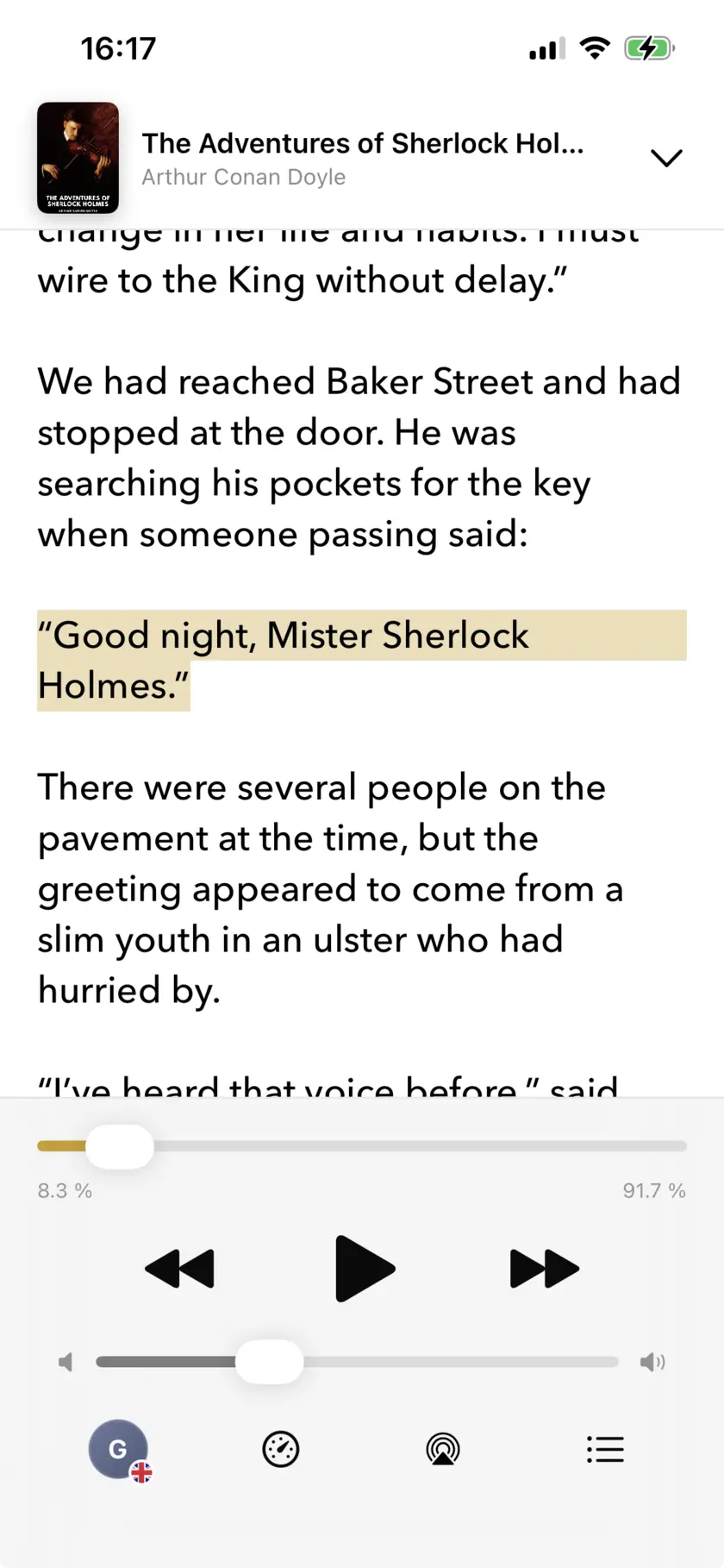
Open Narrator, add a book, and pick the file. The ePub is parsed on the phone, chapter structure intact, and appears in your library.
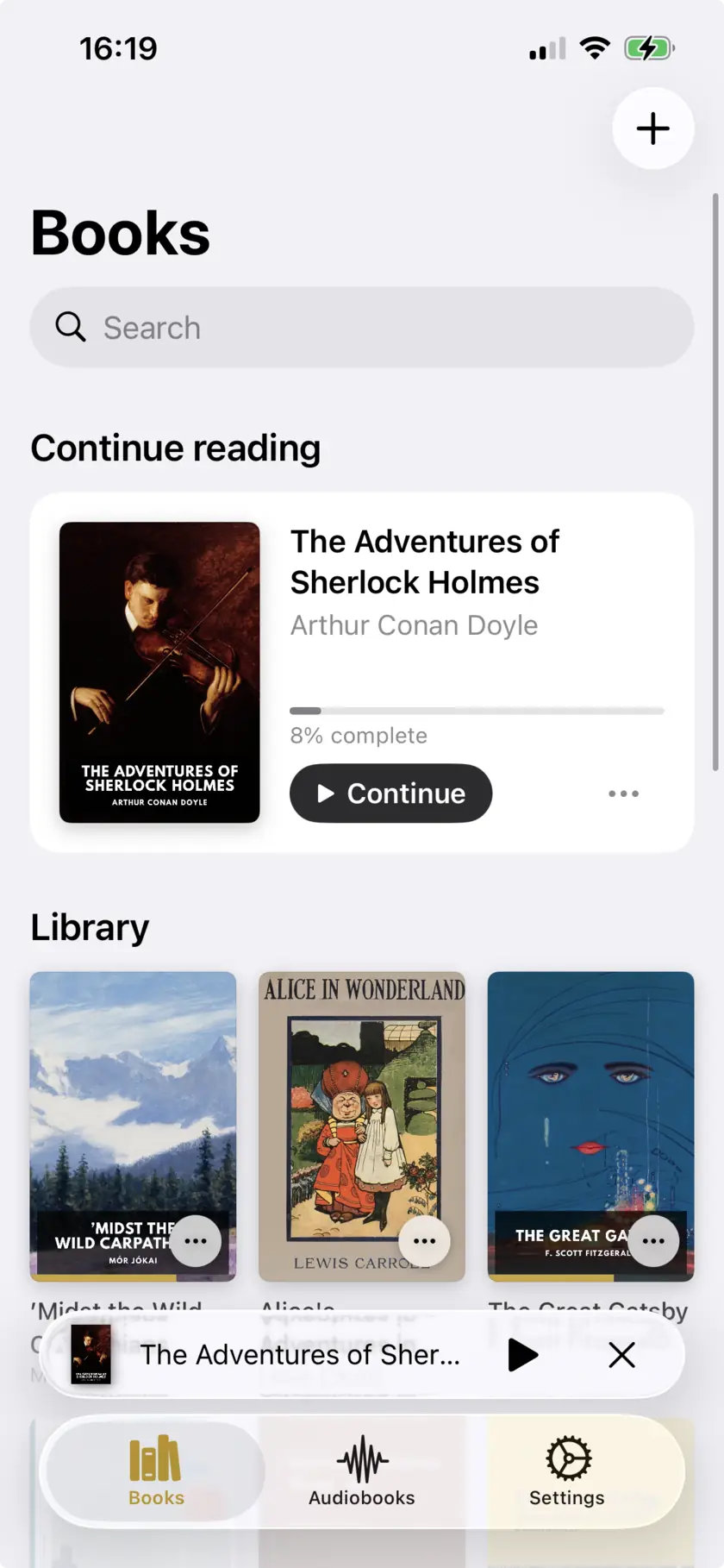
Pick a voice and press play
Choose a natural AI voice, set the speed between 0.5x and 3x, and start listening. Playback continues with the screen locked and your position is kept when you stop.
How long a full book takes
Worth doing the arithmetic before you start, because a novel is much longer than a day’s free allowance.
Free plan at a glance
No account, no trial expiry. The cap is on narration — that means listening, not just export.
| Every day | 25,000 characters — about 4,000 words, roughly one chapter, or 28 minutes of listening at 1x. Resets daily. |
|---|---|
| Lifetime pool | 150,000 characters — about 25,000 words, or 2.8 extra hours. Only drawn on after you pass the daily limit. |
| A full novel | An average 90,000-word book is about 22 days of free listening. A 400,000-word one is closer to 96. |
| Plus | $4.99/month or $29.99/year. Removes the limits. |
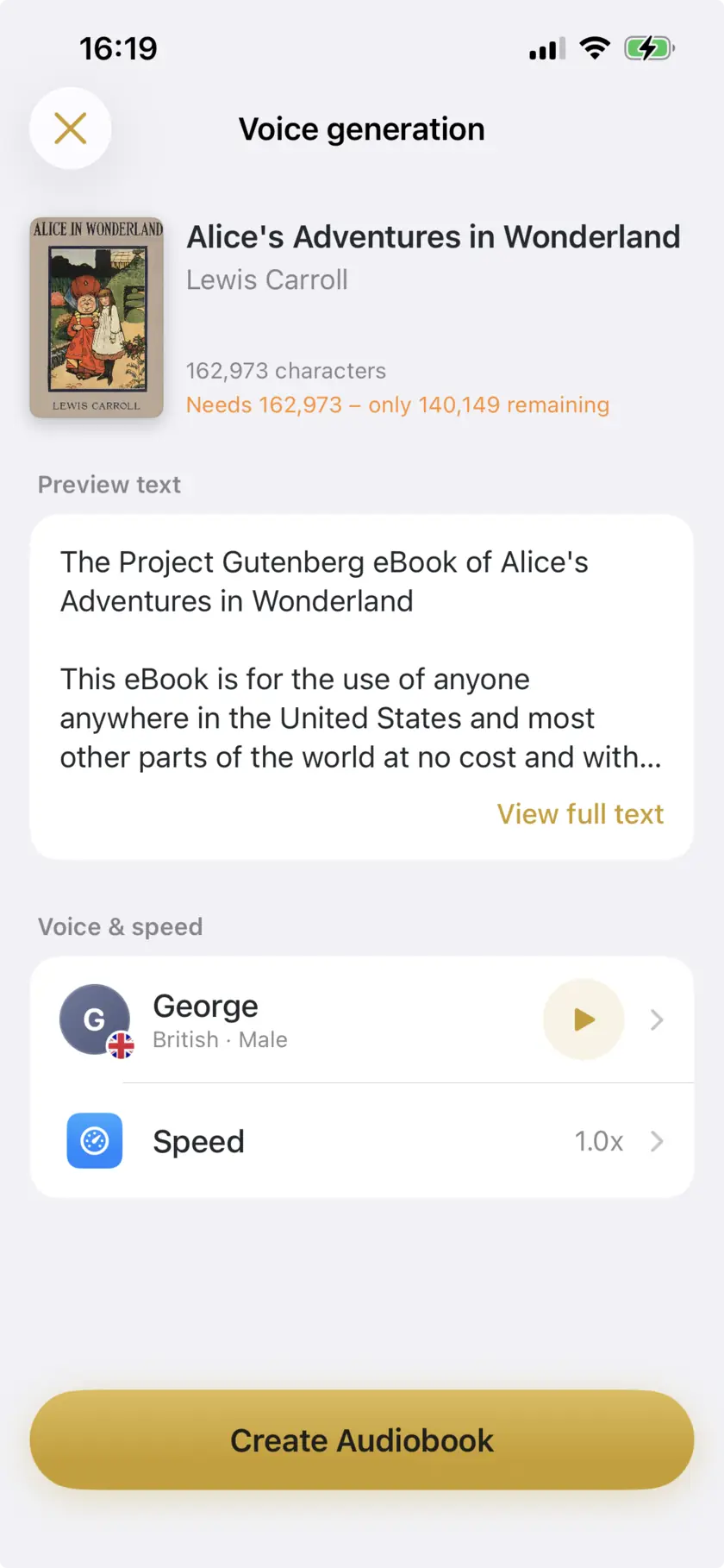
In plain terms: on the free plan an average novel is about 22 days of listening, one chapter at a time. That is a perfectly reasonable way to read a book — it is roughly the pace of reading it on paper — but it is not a way to get through it on a flight. Plus at $4.99 a month removes the cap, and cancels through the App Store like any other subscription.
About DRM
This is the single most common reason an ebook will not open, and it is worth being precise about, because it is easy to confuse with the format.
Format and DRM are two different things. Narrator reads MOBI, AZW and AZW3 — Amazon’s formats — as happily as it reads ePub. What it cannot do is open a file that has been encrypted. Books bought from the Kindle store, Apple Books and most library apps carry DRM on top of whatever format they use, so that only that vendor’s own app can decrypt them. That is a property of the file, not a limitation of the app you point at it, which is why no text-to-speech app can read them. Removing that protection breaks the terms you accepted when you bought the book, so it is not something we will help with.
The upshot is that an .azw3 or .mobi file works whenever it is DRM-free. Personal documents you emailed to your Kindle, public-domain books downloaded as MOBI, DRM-free purchases and anything you converted yourself from a file you own all import directly, with no conversion step. Only store purchases are locked.
If the book you want exists only as a Kindle purchase, the Audible edition or your library’s audiobook lending are the routes that actually work.
Limits
What it doesn’t do
- 25,000 characters of narration a day on the free plan, plus a 150,000 character lifetime pool — around 22 days for a typical novel.
- DRM-protected ebooks from the Kindle store, Apple Books and library apps cannot be imported — the AZW3 and MOBI formats are supported, but DRM on the file is not something any app can read past.
- Scanned PDFs with no text layer will not read.
- Images, tables and footnotes are not narrated — they are skipped or read as running text.
- iOS 26.0 or later, iPhone and iPad only. No Mac or web version.
Common questions
It depends on where the file came from, not on its extension. Narrator reads MOBI, AZW and AZW3, so a DRM-free file in one of those formats imports directly. But a book bought from the Kindle store is encrypted on top of that format, and no third-party app can open it. Personal documents you sent to your Kindle, public-domain MOBI files and DRM-free purchases all work.
Yes for ePub, MOBI and AZW3, which carry a table of contents, so you can move between chapters rather than scrubbing through one long track. PDFs and plain text have no chapter structure to read, so they are treated as continuous text.
An average 90,000-word novel is about 22 days at 25,000 characters a day. A long one — 400,000 words — is closer to 96 days. Plus ($4.99/month) removes the cap if you would rather not wait.
Yes. Once the book is imported and the voice you chose has been downloaded, nothing needs a connection — the narration happens on the phone.
Start with a book you already have
Free plan, no account · 25,000 characters a day · iOS 26+

Scan to open on your iPhone