 Narrator: Audiobook Maker
A free audiobook maker for iPhone
Narrator turns ePub, MOBI, AZW3, PDF, DOCX, RTF and TXT files into audiobooks on your iPhone. The free plan narrates 25,000 characters a day — about one chapter — with no account and no trial expiry. Plus ($4.99/month) removes the limit. Requires iOS 26.0 or later.

Free plan, no account · iOS 26+
What the free plan covers
Most apps in this category either hide the catch or bury it in a settings screen you find on day three. Here it is up front: the free plan narrates 25,000 characters every day. That is roughly 4,000 words — about one chapter of a novel, or 28 minutes of listening at normal speed. It resets the next day, every day, forever.
Free plan at a glance
No account, no trial expiry. The cap is on narration — that means listening, not just export.
| Every day | 25,000 characters — about 4,000 words, roughly one chapter, or 28 minutes of listening at 1x. Resets daily. |
|---|---|
| Lifetime pool | 150,000 characters — about 25,000 words, or 2.8 extra hours. Only drawn on after you pass the daily limit. |
| A full novel | An average 90,000-word book is about 22 days of free listening. A 400,000-word one is closer to 96. |
| Plus | $4.99/month or $29.99/year. Removes the limits. |
So a free-plan reader gets through an average 90,000-word novel in about 22 days, a chapter at a time. That suits some people exactly — a commute, a walk, a chapter before bed. If you would rather finish it this weekend, Plus is $4.99 for a month, which is less than a single audiobook.
How to make an audiobook
Four steps, and the whole thing happens on your phone — there is no upload, no queue and no waiting for a server to render your file.
Get the book onto your iPhone
Save the file to the Files app — from a download, iCloud Drive, Dropbox, Google Drive or an AirDrop from your computer. Narrator reads ePub, MOBI, AZW3, PDF, DOCX, RTF and TXT.
Import it into Narrator
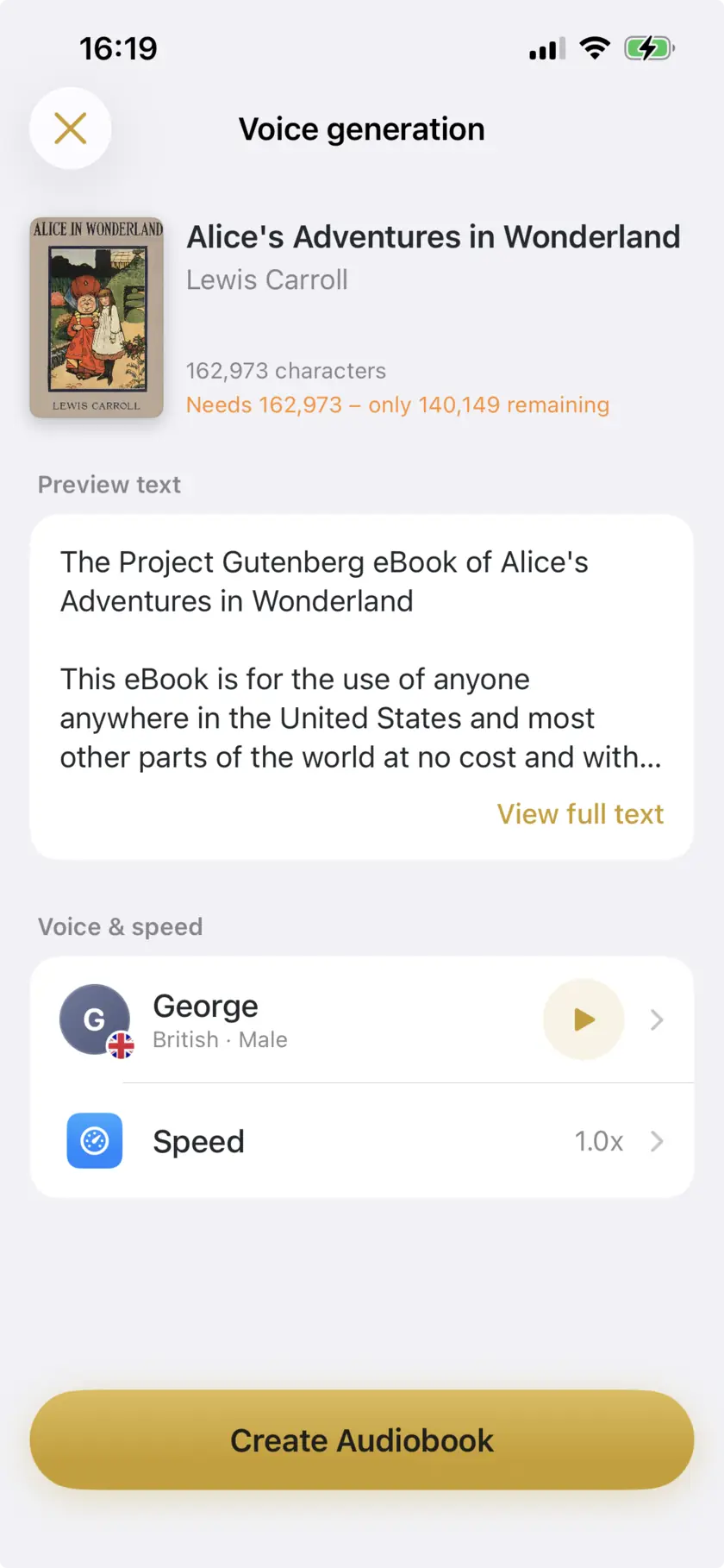
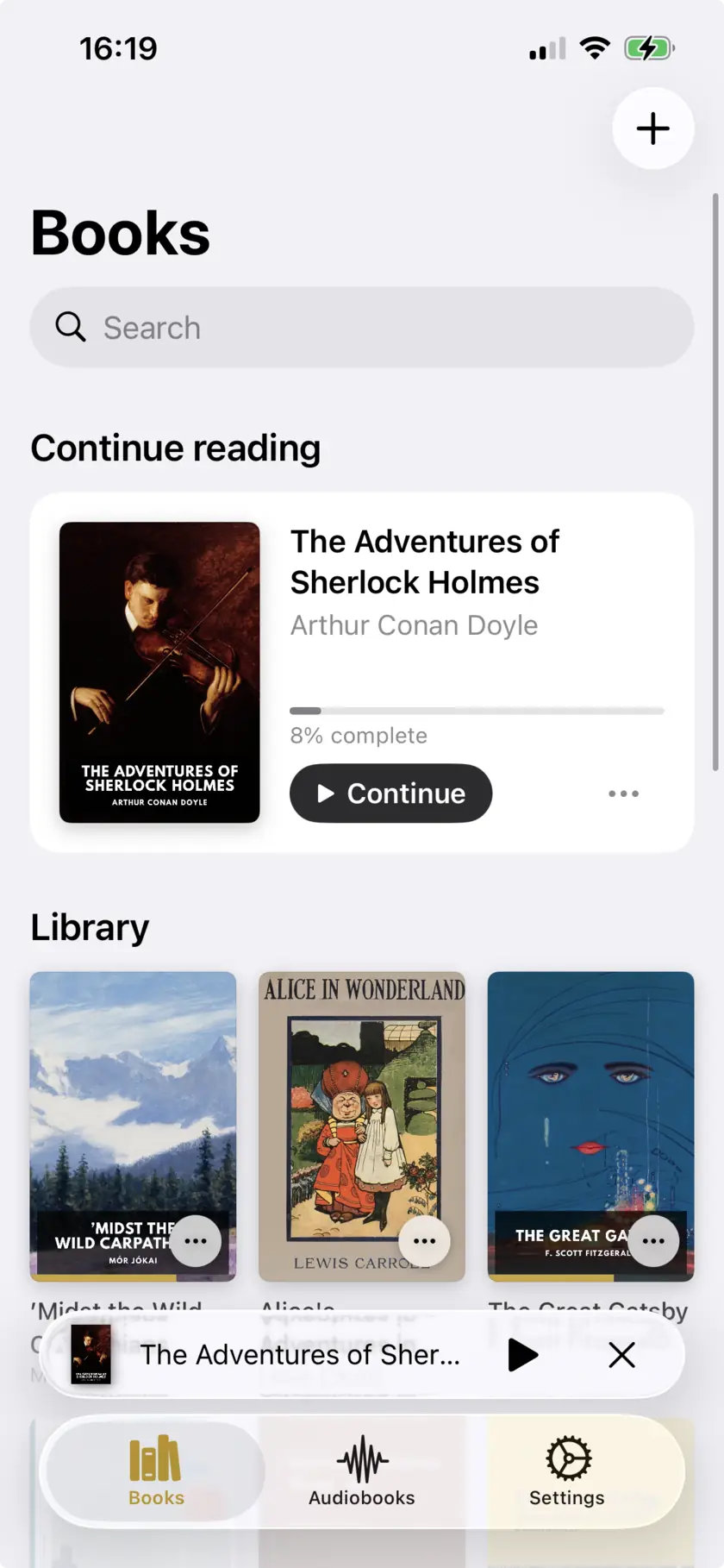
Open Narrator, tap to add a book and pick the file. It is parsed on your iPhone; nothing is uploaded to a server, and it lands in your library ready to play.
Pick a voice
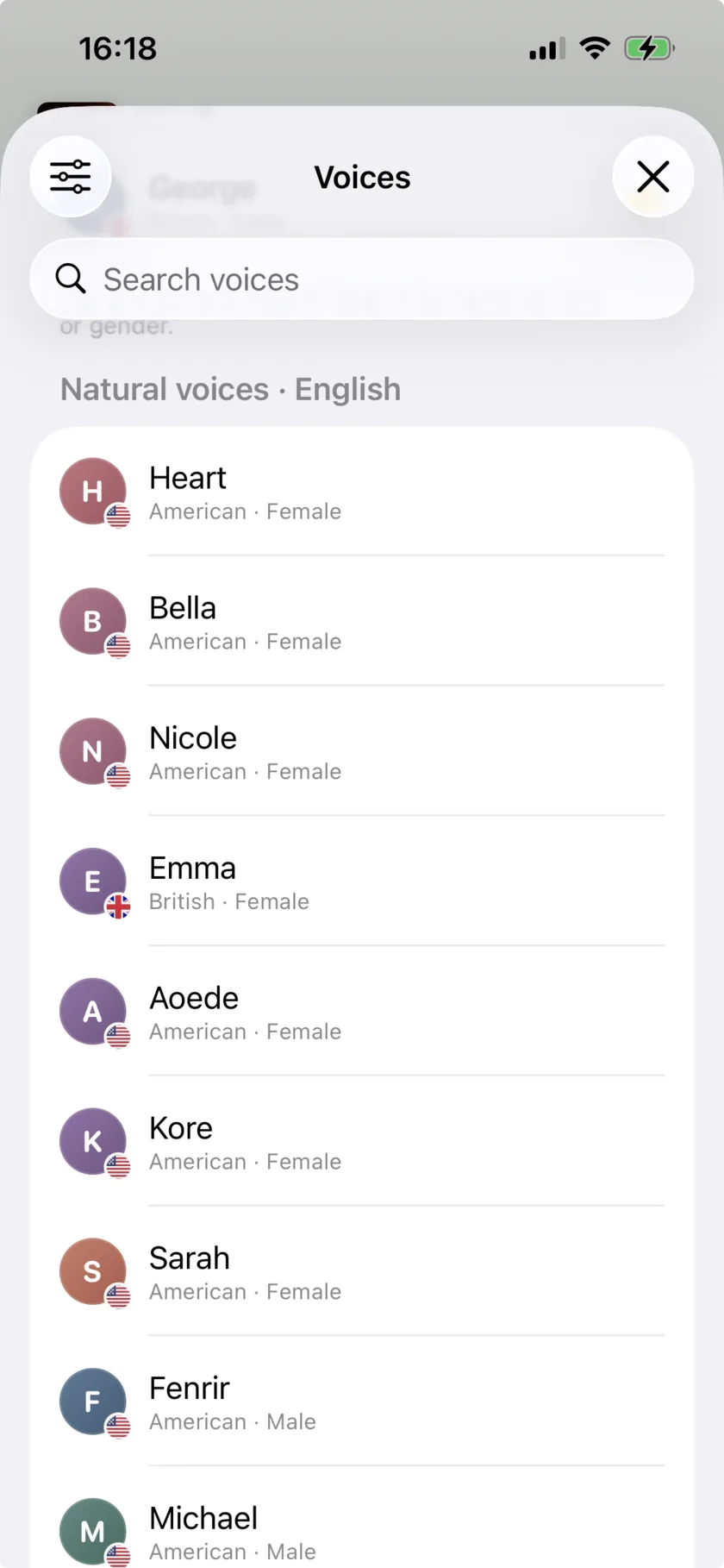
Choose one of the natural AI voices, or any of the iOS system voices, and set the reading speed anywhere from 0.5x to 3x.
Listen, or export an audio file
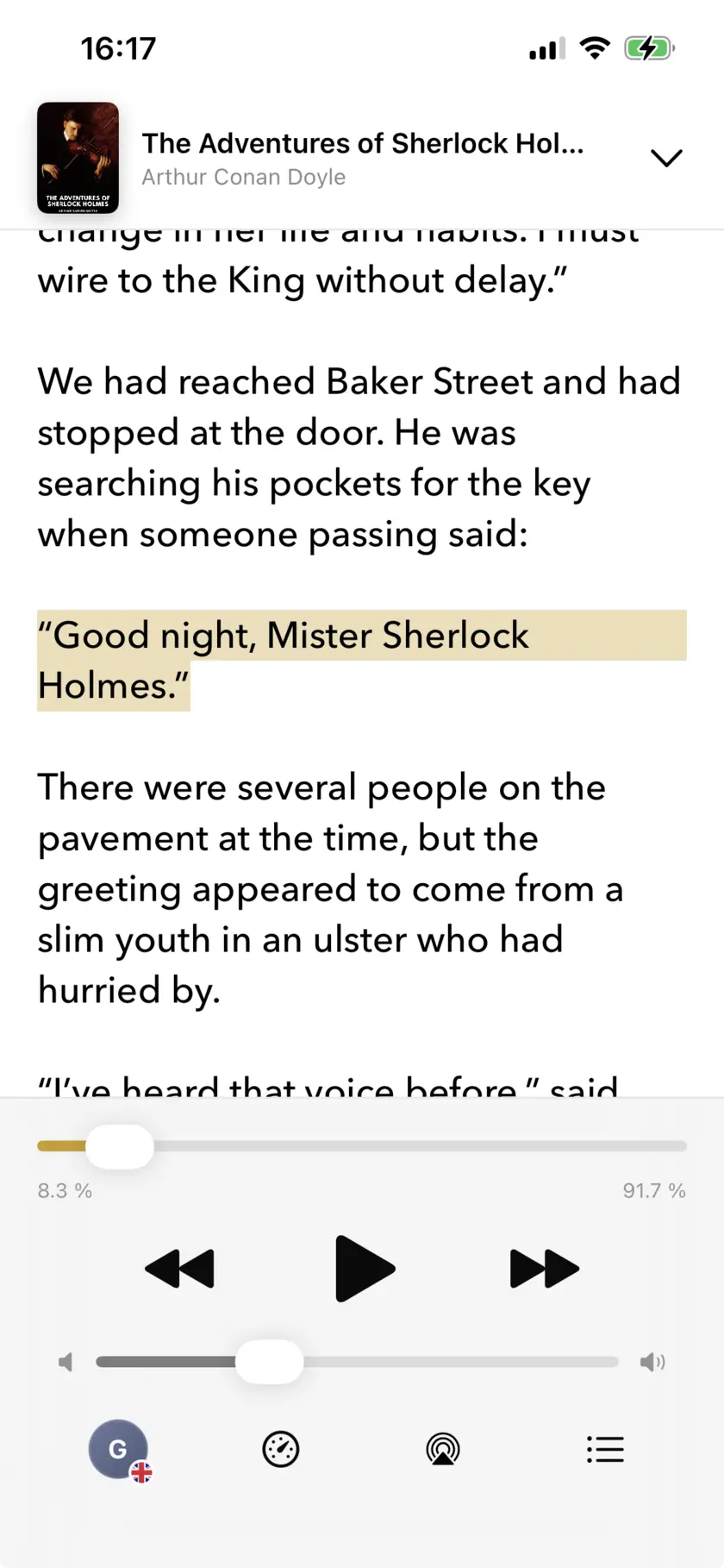
Press play and it reads aloud, with background and lock-screen playback so the phone can go in your pocket. Or export the narration as an .m4a audiobook file to keep.
Which file formats work
| ePub | The main one. Keeps chapter structure, so you can jump around the book rather than scrubbing a single long track. |
|---|---|
| MOBI / AZW / AZW3 | Amazon’s formats. Supported — but a book bought from the Kindle store is DRM-locked on top of the format, and that no app can open. |
| Works when the PDF has a real text layer. A scanned or photographed page is an image with no text to read, and will not work. | |
| DOCX | Word documents — drafts, manuscripts, reports, course notes. |
| RTF | Rich text, including exports from older word processors. |
| TXT | Plain text. Fastest to import, no formatting to trip over. |
Files reach Narrator through the iOS Files app, so anything you can save there — iCloud Drive, Dropbox, Google Drive, an email attachment, an AirDrop from your Mac — can be imported.
Voices and languages
Narrator has natural AI voices in English, French, Spanish, Italian, Portuguese. These are the ones worth listening to for hours — the reason people say it sounds less robotic than a screen reader.
Another 25+ languages are available using the voices built into iOS. They are serviceable rather than lifelike, and it is worth knowing which of the two you are getting before you commit to a long book. Reading speed runs from 0.5x – 3x across both.
What it costs
There are two tiers and no third one. The free plan above, and Plus at $4.99 a month or $29.99 a year, which removes the daily and lifetime caps. Plus is a subscription through the App Store, so it cancels in your iPhone settings like any other.
Prices are set per storefront, so what you see in the App Store in your country is what you pay — the figures here are the US ones.
What it doesn't do
What it doesn’t do
- The free plan caps narration at 25,000 characters a day, with a 150,000 character lifetime pool on top. It is a real limit, not a soft one.
- DRM-protected books — anything bought through the Kindle store or Apple Books — cannot be imported. The MOBI and AZW3 formats themselves are supported; it is the encryption on a store purchase that no app can read past.
- Scanned PDFs with no text layer will not read. If you cannot select the text in Preview or Books, Narrator cannot either.
- iOS 26.0 or later, iPhone and iPad only. There is no Mac app and no web version.
- Natural AI voices cover five languages. The other 25+ use the iOS system voices, which sound noticeably more synthetic.
- It does not record your own voice. If you want to narrate a book yourself for Audible or ACX, this is the wrong tool.
What people say
Two reviews from the App Store listing, quoted as written:
- “The amount of times this app has saved me the last few years because I hate reading! I love that it has a less robotic voice than most other readers.” — yennako
- “I use it to listen to my epubs… I have two stories uploaded, both well over 400k words, and I’ve been a happy listener since.” — The ‘Favorite Bug’
Common questions
It is a free plan, not a trial — there is no expiry date and no account to create. It narrates 25,000 characters a day and resets every day, plus a 150,000 character lifetime pool you draw on when you go over. Plus ($4.99/month or $29.99/year) removes the limits.
No. There is no sign-up, no email address and no login. Your books stay on your iPhone.
The formats are supported — Narrator reads MOBI, AZW and AZW3 — but a store purchase is encrypted on top of that, and an encrypted file cannot be opened by another app. DRM-free ebooks, personal documents you sent to your Kindle, and public-domain books from places like Project Gutenberg all work.
It applies to narration — the text Narrator turns into speech — whether you listen to it in the app or export it as a file. Your current usage against the daily and lifetime allowances is shown in the app’s Settings screen.
Make your first audiobook
Free plan, no account · 25,000 characters a day · iOS 26+

Scan to open on your iPhone